
Setlists and gigs
Build the set for each gig, put the songs in order, and see who’s stage-ready. Set play runs the whole set hands-free with a backing track or the YouTube video.

You’re invited
Opened from Messenger, Instagram or TikTok? Tap the ⋯ or ⋮ menu and choose Open in browser (it may say Open in Chrome, Open in Safari or Open in external browser), then tap Open the web app. Google sign-in and notifications don’t work in an app’s own browser.
Open in ChromeThe band app for setlists, chords, practice and band chat. Get everyone on the same song list, learn the set together, and find new bandmates and jam mates on Scene.
The web app works on any phone or computer, including iPhone, and can send notifications too. On iPhone, add it to your Home Screen first.
The real app, from Home to the stage.
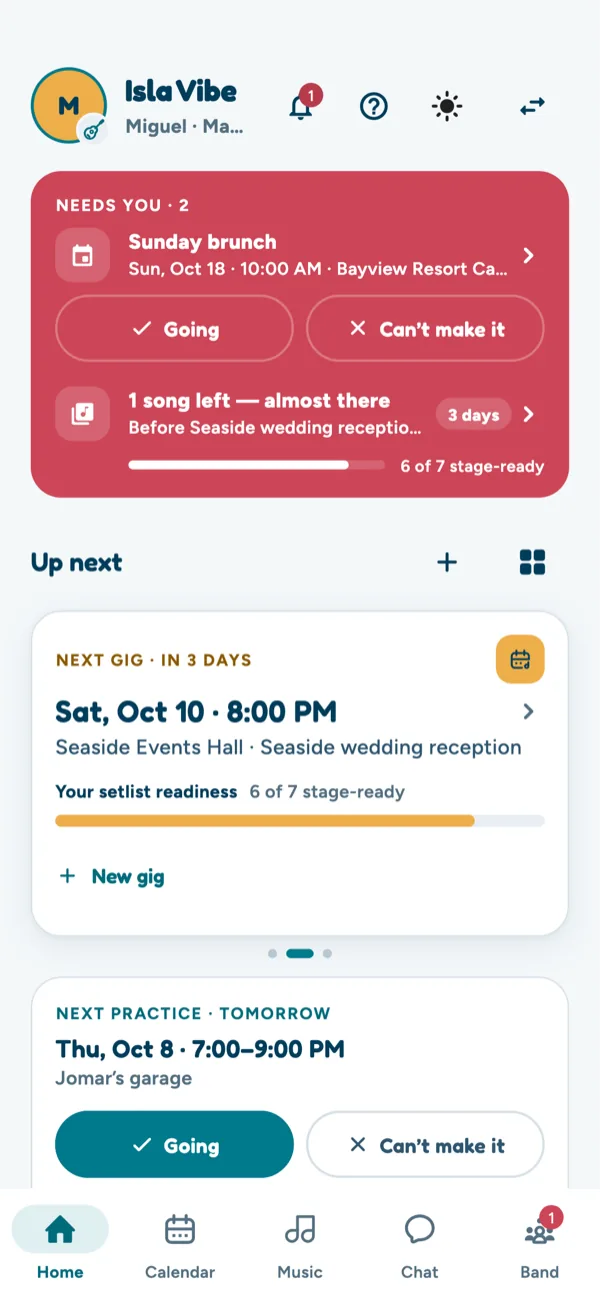
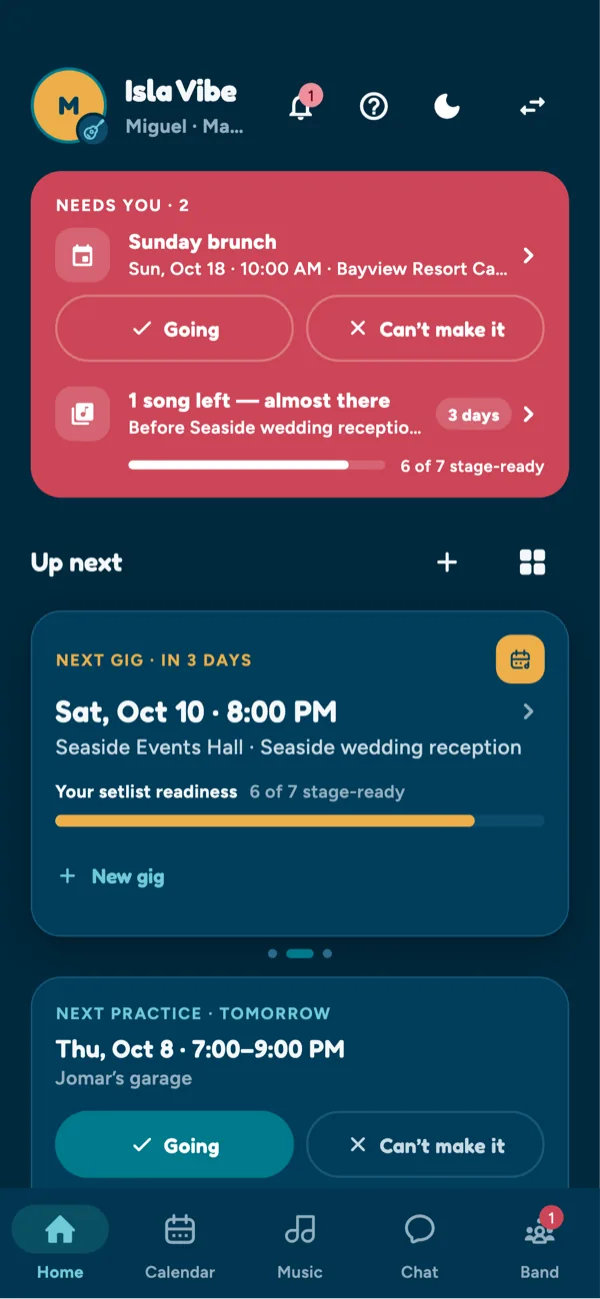
The next gig, how ready the setlist is, and the practice to say you’re going to.
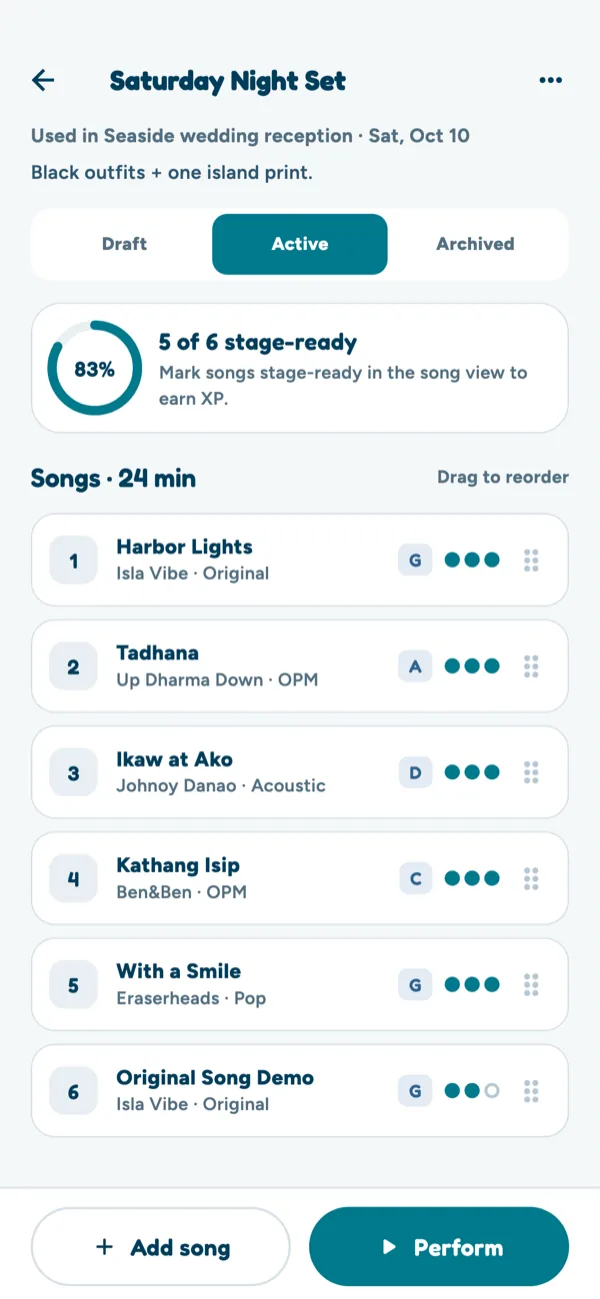
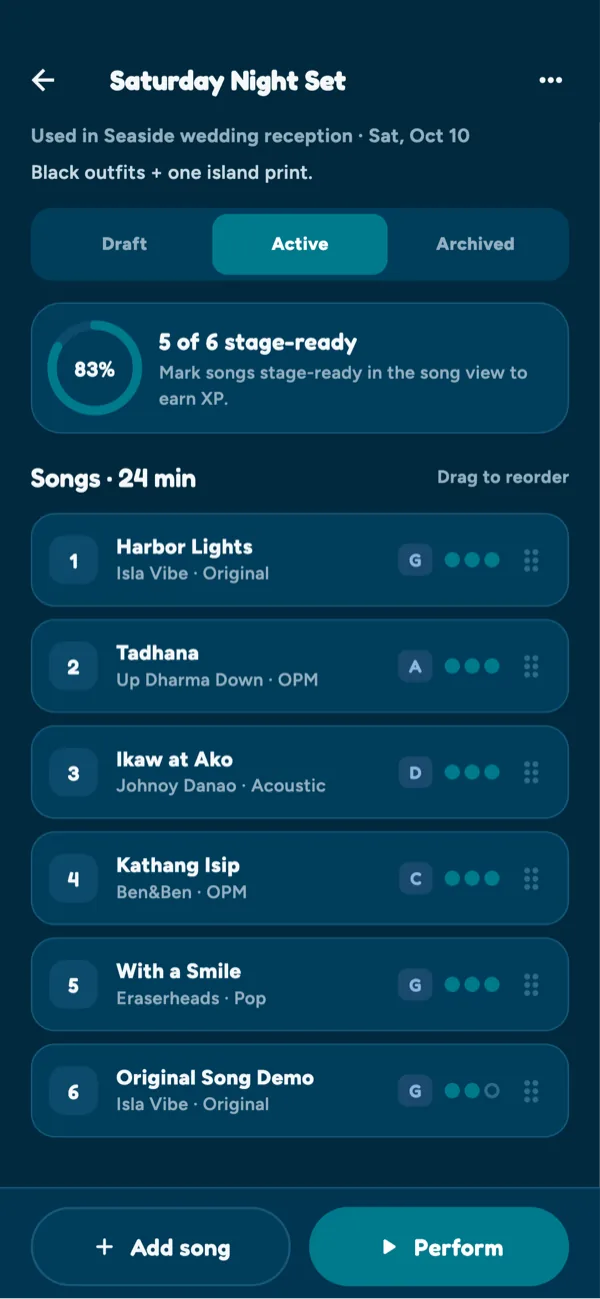
Songs in order, readiness at a glance, then Perform to play the set.
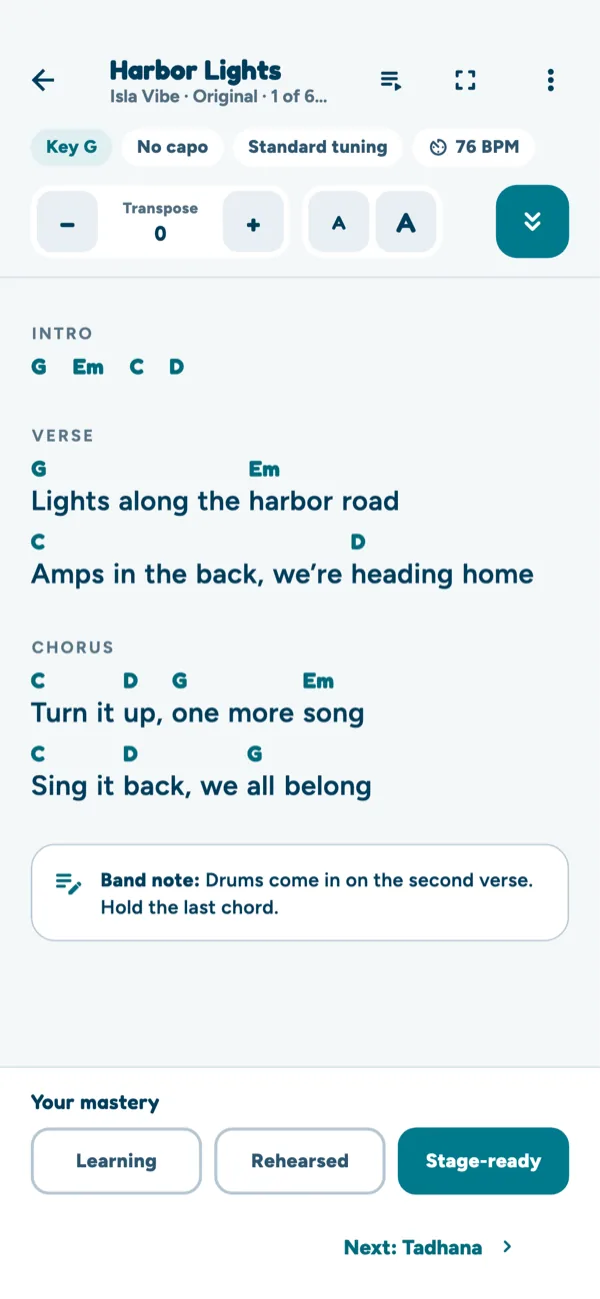
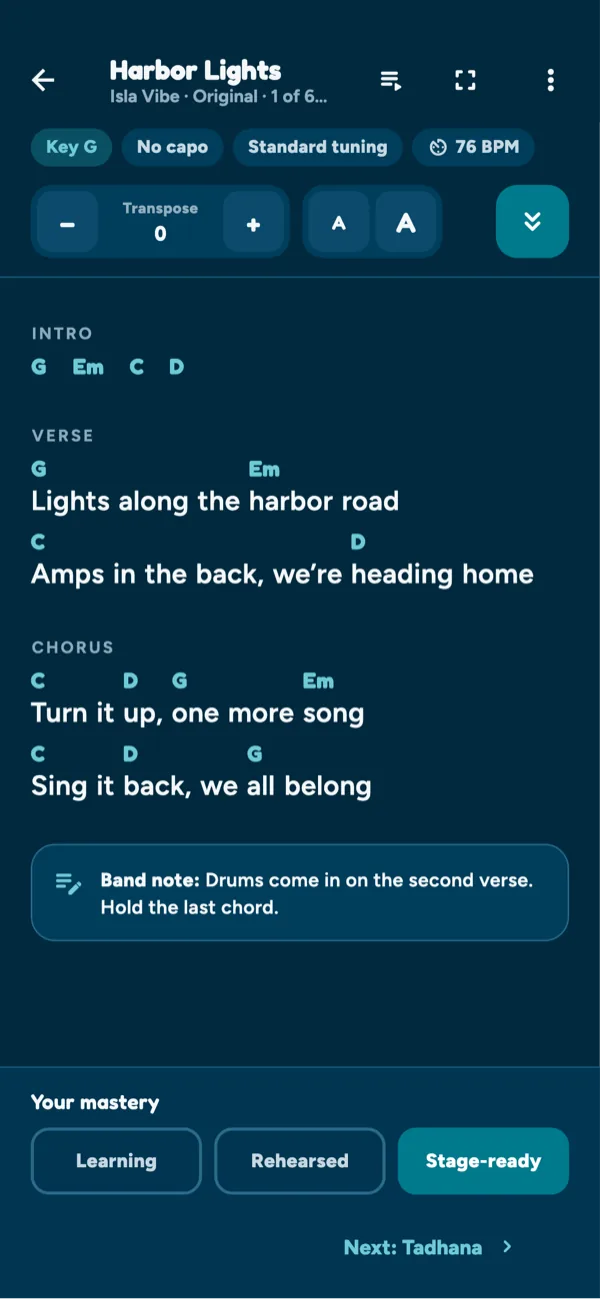
Transpose, text size and auto-scroll, with the band’s notes under the chart.
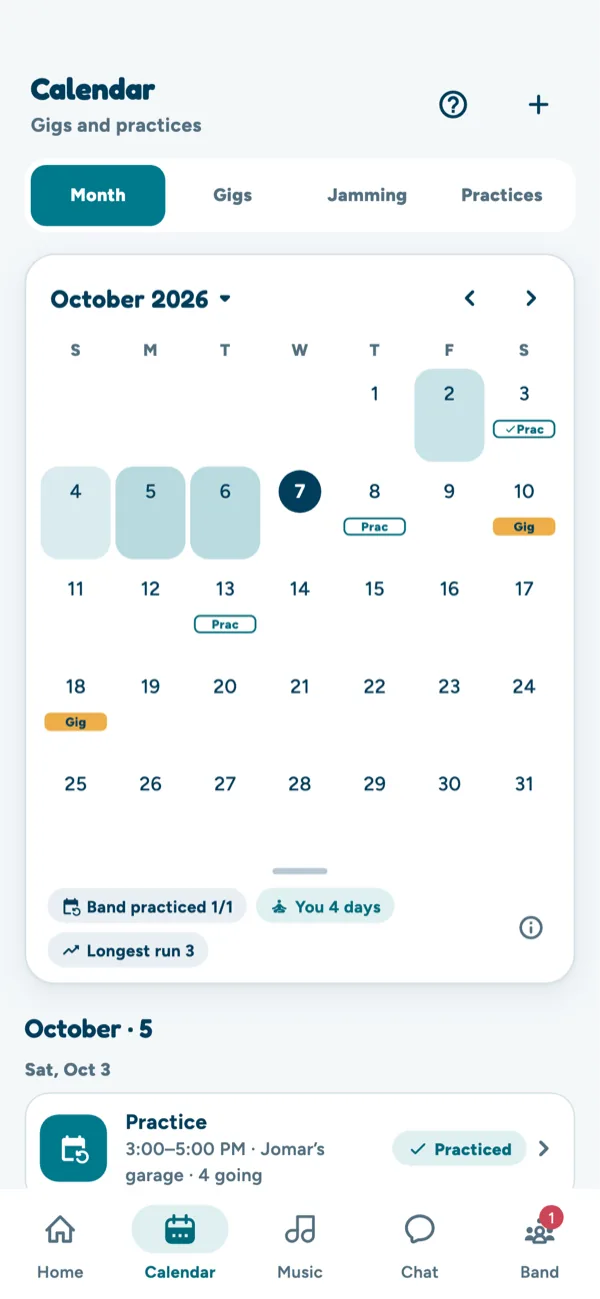
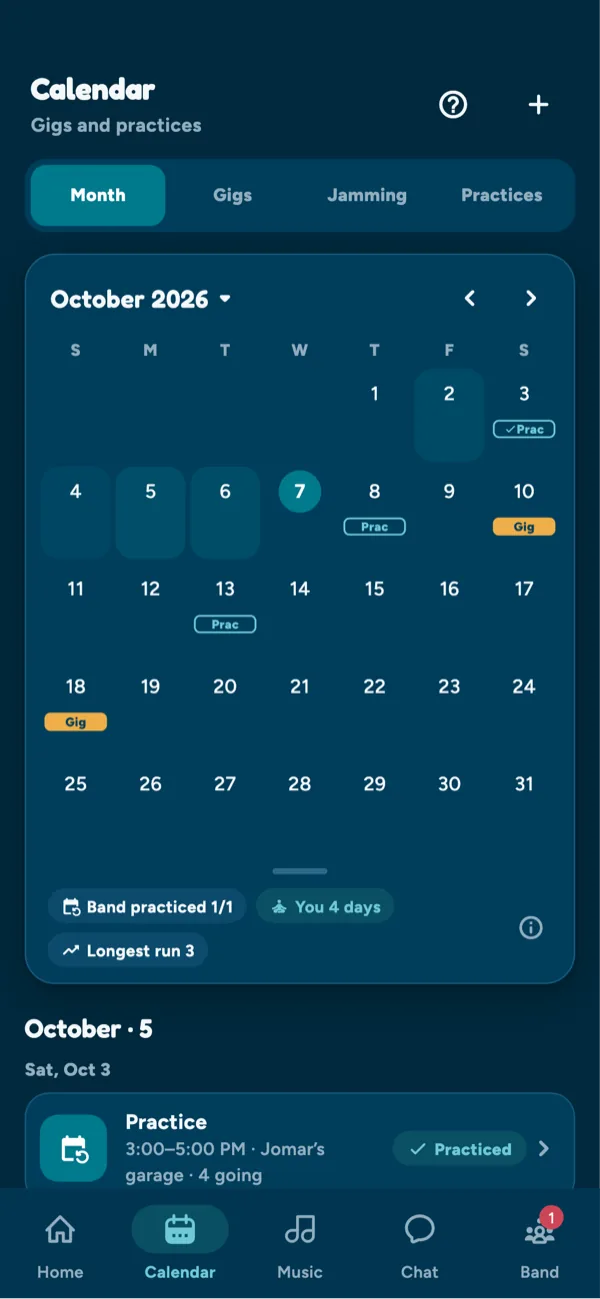
Every gig, jam and practice, and who’s going to each one.
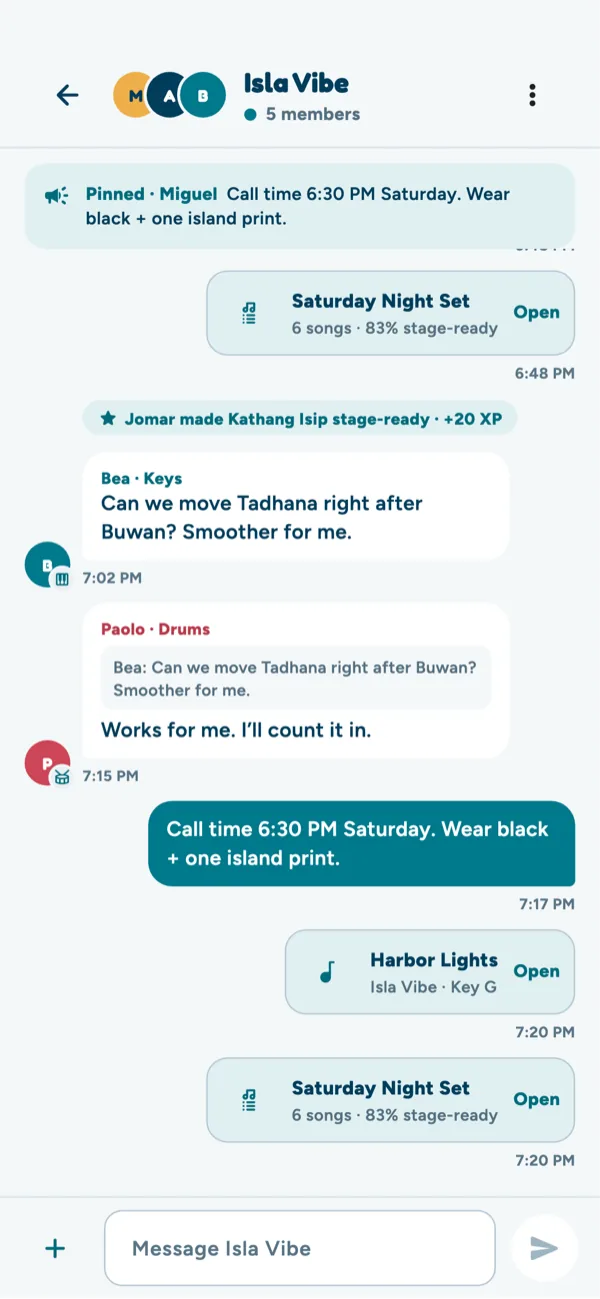
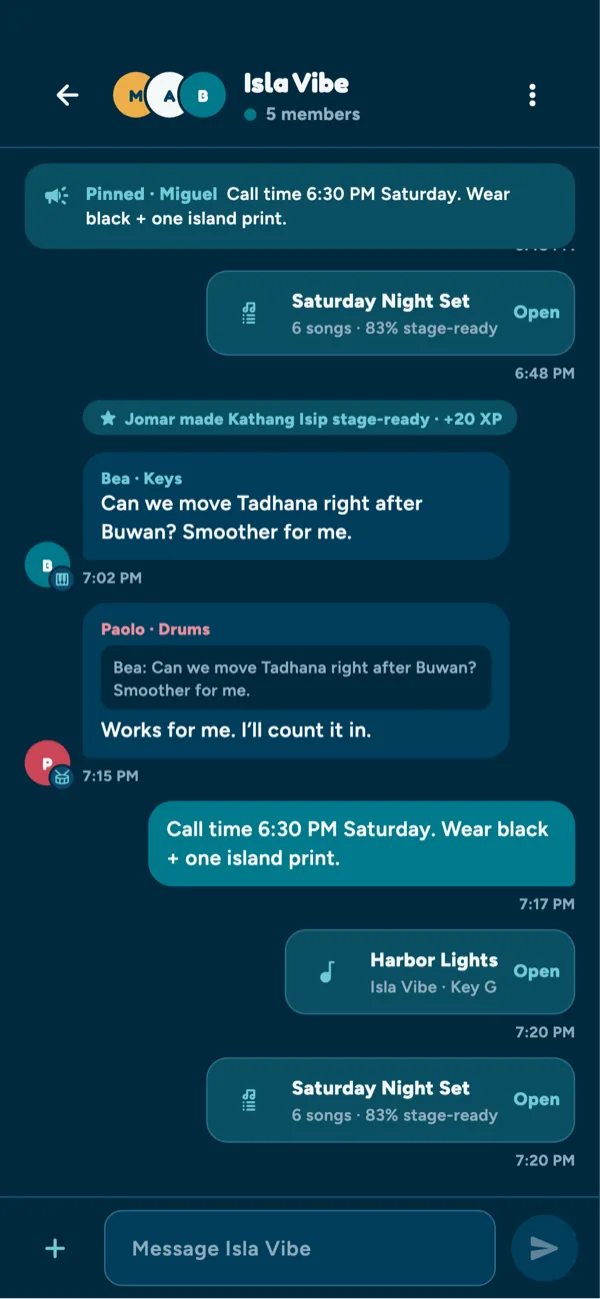
Shared songs and setlists open straight from the chat. Pin what matters.
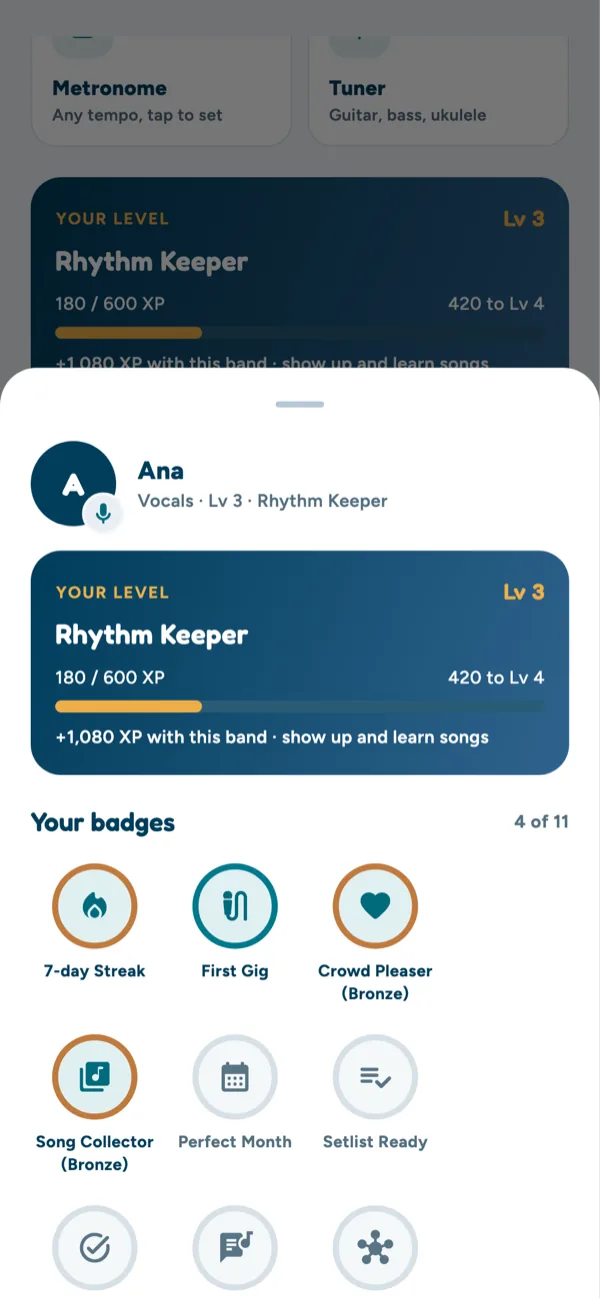
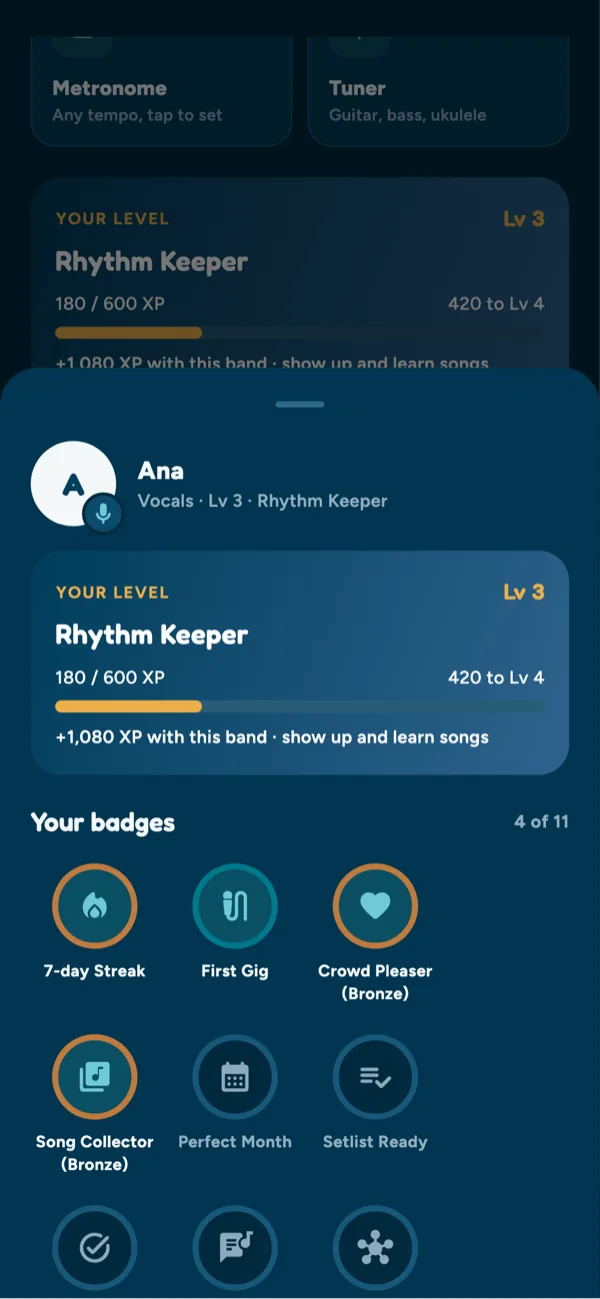
Earn XP for showing up and learning songs, and collect badges.
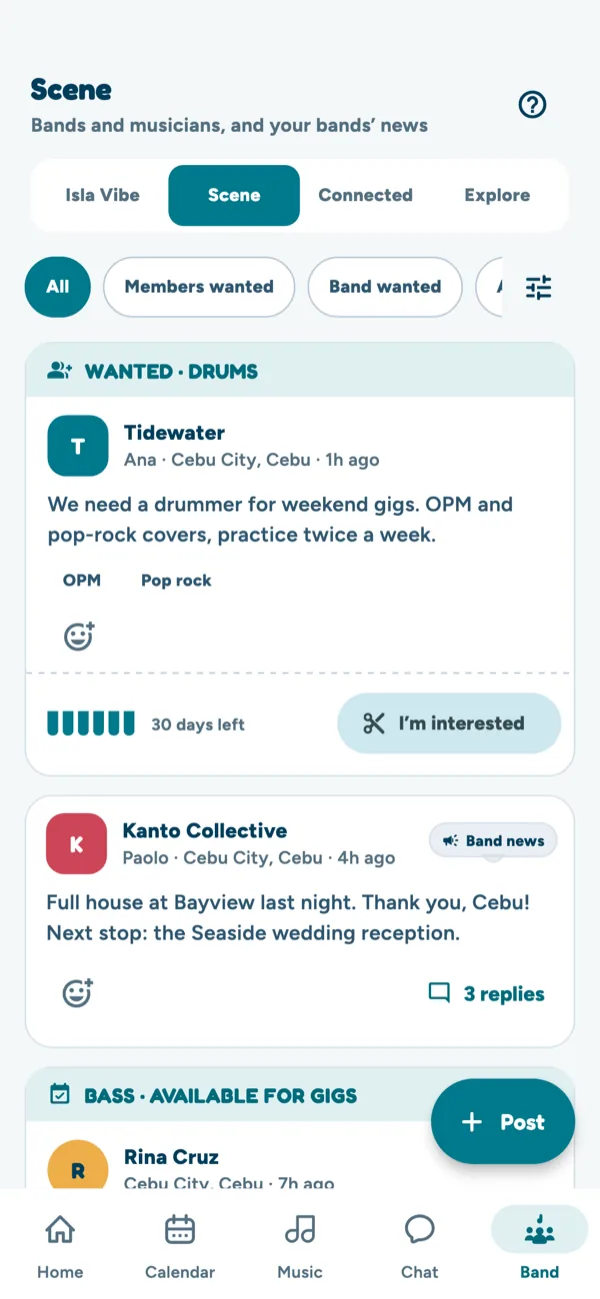
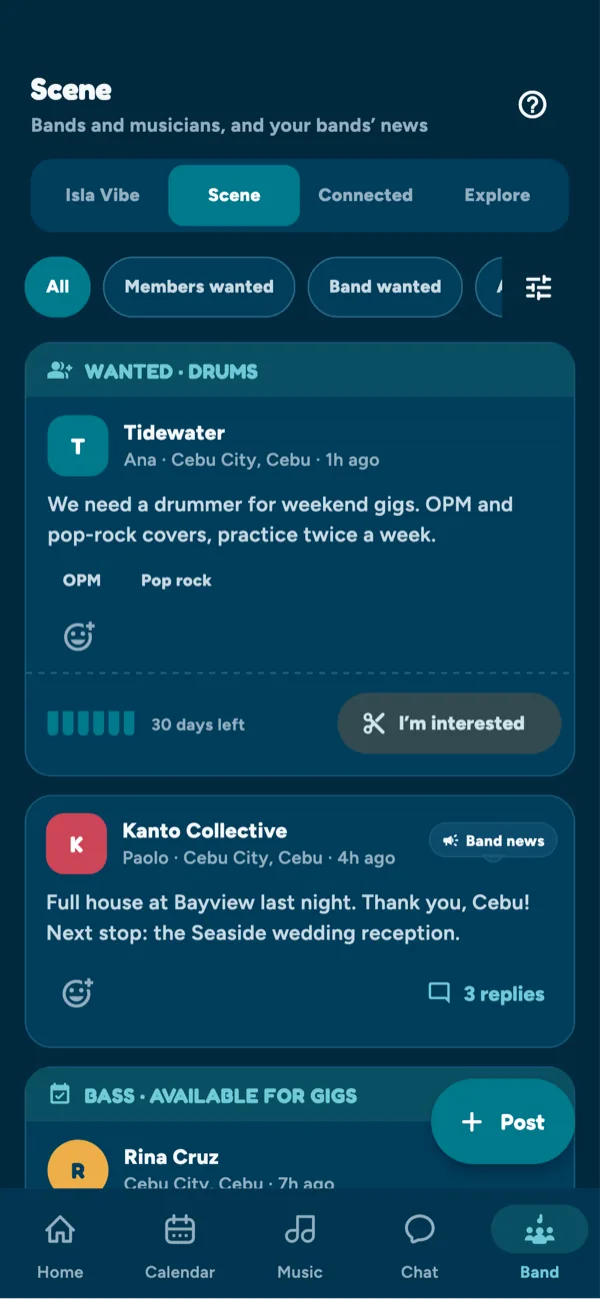
Find a drummer, a band or a jam, and news from the bands around you.
One place for the manager and every member, on the web and on Android.
Build the set for each gig, put the songs in order, and see who’s stage-ready. Set play runs the whole set hands-free with a backing track or the YouTube video.
Chords above the lyrics, with key, capo, tuning and transpose. Add guitar tabs, auto-scroll, a click track and Spotify or YouTube links.
Keep your own songs and setlists alongside the band’s. Suggest them to your band when you want to play them together.
One calendar for the band. See who’s going, get directions, and get reminders a day and an hour before.
Talk with the whole band and share photos, short videos, voice recordings, songs and setlists. Private messages are end-to-end encrypted.
A metronome with tap tempo, a tuner for guitar, bass and ukulele, and a weekly list of the songs you still need to learn.
Earn XP for showing up and learning songs. Keep a practice streak, finish weekly quests and collect badges. No leaderboards.
Post clips from your gigs and get stars from other bands. Connect with bands you know and find new ones on Explore.
Invite members by code, link or email. Accept join requests and choose who can edit the schedule, the songs and the setlists.
Meet other musicians without it turning into another social feed. Your profile stays private until you say otherwise.
Your instruments, genres and where you play. You choose who sees it: only people you play with, or everyone.
Tap Let’s jam on someone’s profile. Once they accept, you’re jam mates and can message each other.
Post when your band needs a drummer, or that you’re available. Filter by instrument, genre and province, and get told when a new post matches.
Sign in with Google or your email, then join your band with the invite code from your band manager.